8 posts tagged with "BK Lite"

View all tags

Multi-Environment Script Drift Usually Starts with Copying

· 7 min read

Before a routine release, operations lead Xiao Zhou receives what looks like a simple task: run the same service checks in test, pre-production, and production.

There are already three scripts in the shared directory, with filenames ending in test, uat, and prod. But Xiao Zhou does not execute them immediately. The test script contains extra anomaly handling, the production script includes an additional temporary diagnostic command, and the pre-production script still points to an old API address.

The problem is no longer "which environment file should be chosen." It is that nobody can explain why these versions differ. Scripts that were copied originally for quick environment adaptation have gradually turned into three independently evolving execution paths.

When Nobody Knows a Config File Changed, Incident Review Loses a Critical Piece of Evidence

· 9 min read

Release owner Xiao Zhou is the one who gets stuck in the review meeting.

The interface timeout happens more than ten minutes after release. There is a monitoring curve, there are error logs, and the dependency path from the application to the database can also be found. All the materials seem to point in the same direction: unstable connections.

Then the business interface owner asks one question: "Was the connection pool configuration just adjusted before the incident?"

The room goes quiet for a few seconds.

Some people look through release records. Some scroll through group chat messages. Some log into the machine to inspect the current file. But the current file can only prove what it looks like now, not what it looked like then. What really blocks the review is not that nobody checked the logs. It is that nobody can produce the config file versions and diffs from before and after the incident.

The most dangerous thing in a review is not too few clues. It is when the clues suddenly break at the configuration layer.

Why Incident Reviews Cannot Reconstruct the Scene

· 11 min read

The Incomplete Picture Before the Morning Meeting

Twenty minutes before the morning meeting, operations lead Xiao Zhou is put on the spot.

After yesterday afternoon's release, the payment callback service jittered for more than ten minutes. The incident has recovered, and the business team has confirmed that transaction compensation is complete. But the review materials still cannot form one complete picture.

The monitoring engineer provides an interface latency curve.

The developer shares several error logs with request IDs.

CMDB can show relationships among payment callbacks, cache, database, and the downstream accounting service.

The alert list also has trigger, acknowledgment, and recovery timestamps.

The materials look complete. Then the review host asks one question:

"Which point became abnormal first? Was the impact limited to one instance, one service chain, or the entire payment path?"

The room goes quiet for a few seconds.

It is not that nobody has data. Everyone only has one fragment. Xiao Zhou can explain any one screenshot, but it is hard to connect all screenshots into one continuous scene.

That is the most frustrating part of many incident reviews: the evidence is there, but the scene is not.

Opening Full Log Access Makes Troubleshooting Slower and Riskier

· 10 min read

Ten Minutes After Release, Log Access Becomes the First Request

The regular Wednesday afternoon release has just finished when payment callbacks begin to fail sporadically. The business contact asks about impact scope in the group chat, and the release owner shares a request ID from a user complaint. Xiao Zhou, the developer responsible for payment callbacks, wants to jump into the log platform and inspect the context immediately.

Operations still needs to confirm one thing first: which logs should Xiao Zhou be allowed to see?

Order, membership, payment, and fulfillment services all sit on the same transaction path, and many log fields overlap. Xiao Zhou owns payment callbacks, but this request ID appears in multiple systems. If only payment logs are opened, clues may be missing. If full search access is granted directly, operational details from other business lines may be exposed too.

Someone quickly suggests the easiest path:

Grant full search access first, then take it back after the issue is resolved.

It sounds practical. The issue is not yet located, and nobody wants to spend time on authorization. But once Xiao Zhou enters the full-search entry, troubleshooting does not get faster. Searching the same request ID returns payment callbacks, order status changes, membership entitlement checks, and fulfillment notifications. Field names look similar, error codes are close, and timestamps all cluster within the same minute.

He does see more logs, but he is also slowed down by more irrelevant logs.

Worse, several membership-side logs contain business parameters outside his responsibility. The scene shifts from "how do we locate the payment callback failure quickly" to two problems at once: whether permission scope was enlarged, and whether clues were scattered into the wrong space.

This is what full authorization makes easy to overlook. It is not only "possibly non-compliant" or "too much permission." In real troubleshooting, it can create data overreach and slower diagnosis at the same time.

Why Do Nightly Checks and Cleanup So Often Break After Shift Handover?

· 10 min read

On the first morning of month-end, the most unsettling sentence in the operations channel is usually not, “Did anything alert last night?” It is this one:

“Who actually ran that nightly inspection round, and who can clearly explain the result now?”

The main character here is Lao Zhao, a platform operations engineer. Before the handover the previous night, he had already posted a reminder in the chat: run one round of disk inspection overnight, clean old logs on several business servers, and check the status of a few critical services. Right after that, a new alert came in. Once an emergency troubleshooting task cut in, this round of work that everyone thought was “easy” and “something we can do in a moment” kept getting pushed back.

By the next day, what really turned the scene upside down was not that nobody knew how to write the commands, nor that the scripts did not exist at all. It was that suddenly nobody could explain the whole round of actions from start to finish in one pass.

Who actually took over and ran it? Which batch of machines did last night’s inspection and cleanup really hit? After it ran, did it finish normally, or had some nodes already failed in the middle?

The channel is not quiet. One person says, “I think I may have run that last night.” Another says, “The cleanup probably ran, we just never replied with the result.” But the more the scene sounds like everyone did part of it, the easier it is for the whole thing to drag on. Because very quickly, people stop arguing about “whether they know how to do it” and start arguing about “whether that round of work was actually carried through completely”.

Many teams first realize that routine server maintenance can spin out of control not when the script cannot be written, but at exactly this moment, when the action obviously should have happened and yet nobody can confirm the result.

When Running Scripts at Scale in Production, the Biggest Risk Often Isn't the Script

· 9 min read

Twenty minutes before a month-end settlement window, disk usage on several nodes in the accounting cluster suddenly starts climbing. No one in the war room asks how the script should be written first. The first question is another one entirely: are we only touching a handful of abnormal nodes, or are we about to hit an entire execution group by accident?

What makes people tense is not whether to run a batch action at all. It is whether anyone can confidently say that this one click will land only where it is supposed to land. Script content, target scope, destination path, and post-execution traceability can all become failure amplifiers. In many production incidents caused by "automation gone wrong", the problem is not automation itself. The execution capability moves faster than the safety boundaries around it.

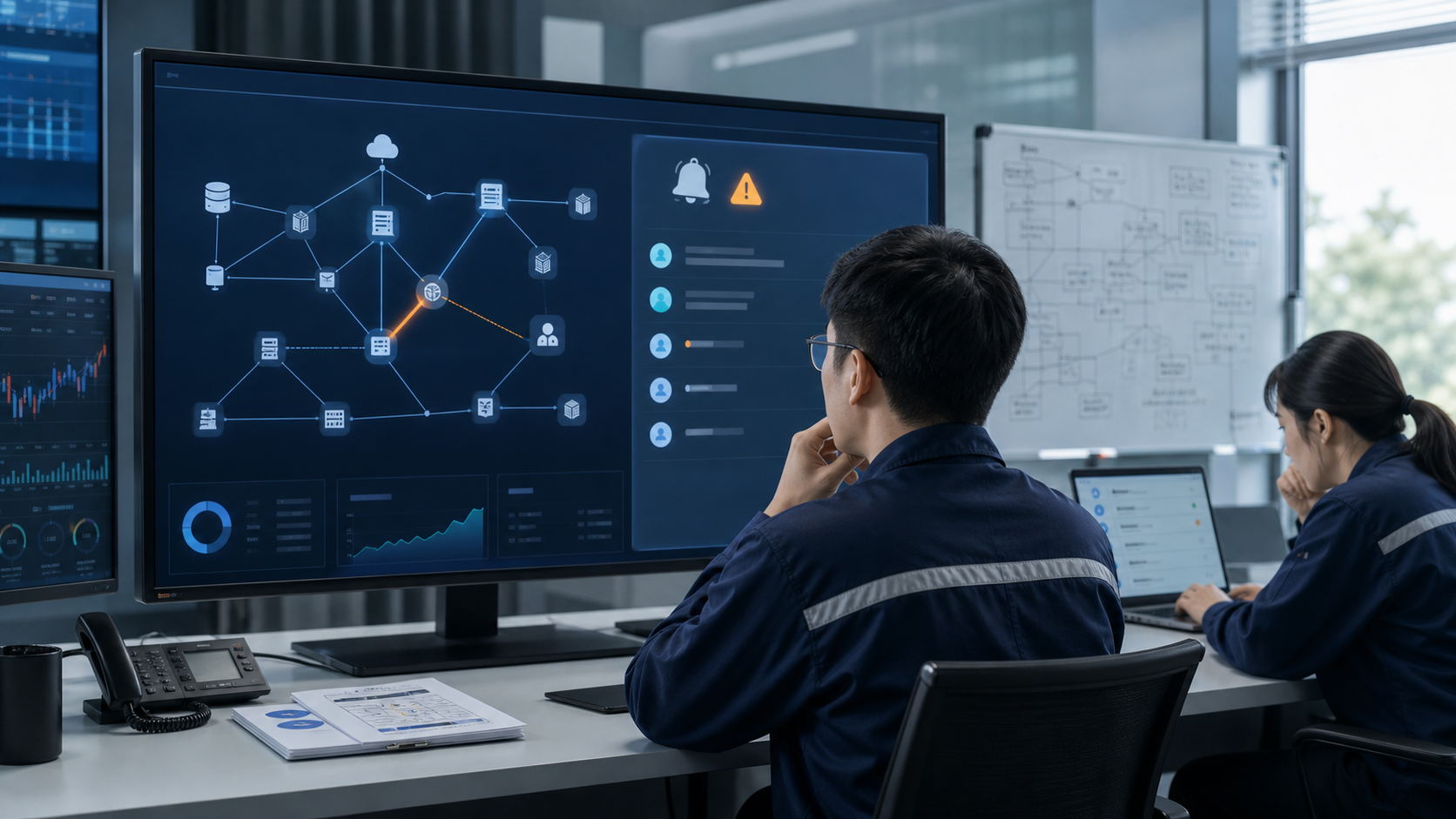
When 10 Alerts Actually Mean 1 Problem: How to Govern Alert Noise Efficiently

· 12 min read

Right after a release finishes, the alert list is already full of red states.

Host metrics are jittering, application error rates are rising, the log platform is surfacing anomalies, and the team channel is flooded with notifications from different sources within minutes. Lao Qian, the platform troubleshooter on duty, does not rush to claim alerts one by one. It is not because he is slow. It is because he knows the real danger in that moment is not that no one sees the problem. It is that everyone gets dragged in different directions by 10 alerts that all look equally urgent.

The hard part is rarely whether an anomaly has been detected.

The hard part is this: out of these 10 alerts, which one is the real handling unit?

When Log Alerts Keep Crying Wolf, Where Does the Problem Actually Start?

· 14 min read

Right after a routine Wednesday release, the release channel starts filling up with timeout reminders.

The order service is logging errors. Payment callbacks are logging errors too. Several instances all show similar keywords. Lao Zhao, the release owner, opens the log center, searches for timeout, Exception, and upstream reset, and then goes back to the alert list.

The real problem is not that the page lacks information. It is that there is suddenly too much of it.

During the review, someone asks a painful question:

Are these reminders describing the same problem, or are they already ten different handling objects?

The issue is not information scarcity. It is too much information. The same class of error keeps surfacing, alerts keep firing, and everyone in the group knows something is wrong, but no one can immediately answer the more important question: is this one problem or ten? Is the whole service degrading, or are only a few instances abnormal? Who should be pulled in first? Which layer should be checked first? Should the issue be escalated at all?

Many teams think logs overwhelm them with volume. In reality, what slows them down is that alerts never clearly define the handling unit at the very beginning. Keyword alerts and aggregation alerts can both work, but they answer different questions. The first captures the signal. The second draws the boundary of responsibility. If those two jobs are mixed together, the post-release troubleshooting scene quickly starts to feel like the boy who cried wolf.