Kubernetes Configuration Risk Checks for Faster Remediation Reviews
After a cluster configuration check, Zhou, an operations engineer, receives a list of workload issues to verify. He is ready to send it to the application owners, but the review still needs a few details: which namespace each issue belongs to, which fields should change, and whether the current configuration still matches what was checked.
A note that says only "configuration risk detected" sends developers back to the service configuration and leaves operations explaining the evidence for each finding. The team has to piece together that context before it can discuss remediation.
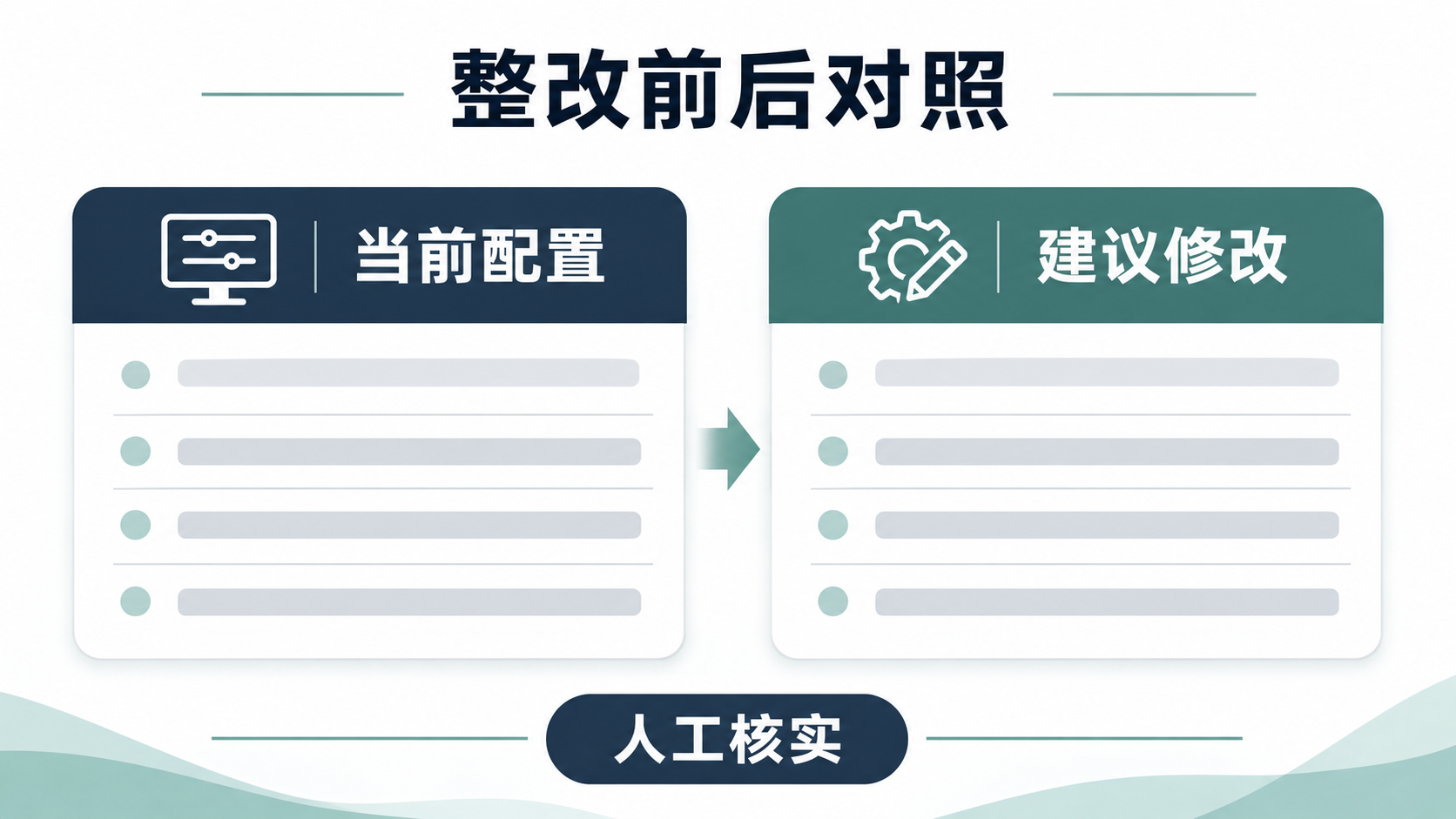
A risk summary and a side-by-side comparison of current and proposed configurations let the team review the affected workloads, findings, and proposed changes together. This simplified review shows how that approach reduces repeated preparation and manual comparisons.
What Is Missing From the Risk List?
Zhou first needs to tie each finding to a specific resource. A cluster can have several namespaces, with workloads maintained by different teams. A note that says "configuration needs adjustment" gives him no way to tell who should handle it.
A list ready for review should identify at least the cluster, namespace, and workload. Reviewers can then use what they know about the environment to confirm the owner. Developers can find the exact workload, and operations engineers can explain the finding against the original configuration.
Severity helps the team decide what to investigate first. Whether a finding warrants remediation depends on what the application does, the load it handles, and the team's requirements. Lower-severity findings should also be handled according to their actual impact.
Zhou also needs to confirm what the check covered. The check details should show which workloads were included and which yielded no results because of access limitations or other reasons. A workload missing from the report cannot be assumed to have passed.
If the original team no longer owns a workload named in the report, Zhou needs to find its current maintainer. With the right owner involved, the team can assess the business impact and what it will take to make the change.
Make Proposed Changes Easy to Verify
Once he has found the owner, Zhou needs to answer a more specific question: "What exactly should change?" With only a general recommendation, reviewers have little basis for assessing how it might affect the running service.
A before-and-after comparison can show the current configuration alongside the proposed changes, so developers, operations engineers, and the person implementing the change can discuss the same differences. Reviewers should confirm which fields would change, why, and where the recommendation applies.
For example, when reviewing changes to resource requests and limits, the team can evaluate the proposed values against the application's workload and the cluster's capacity. This example illustrates how to review a change; actual findings and recommendations depend on the results in the target environment.

A comparison can also go stale. If the workload has been redeployed or its settings have changed since the report was generated, recheck the live configuration before applying anything. The old comparison may no longer reflect what is running.
During the review, Zhou can ask the application owner to explain whether each proposed change fits the application's constraints. For changes to resource settings, check expected load and cluster capacity. When the evidence is incomplete, gather the missing details before deciding whether to include the change.
The team should record which changes it accepted and why. Recording the reasons for declining a recommendation can also save time if the same issue comes up in a later check.
Turn Check Results Into Review Materials
Zhou can use the OpsPilot Kubernetes tools in WeOpsX to support this work. The tools can query cluster resources, export configurations, and analyze workload settings, helping the team prepare results that reviewers can verify.
Before using the tools, prepare the cluster access configuration and credentials, confirm that the API server is reachable over the network, and enable the relevant Kubernetes skill pack. Without the skill pack, the tools provide only basic check results.
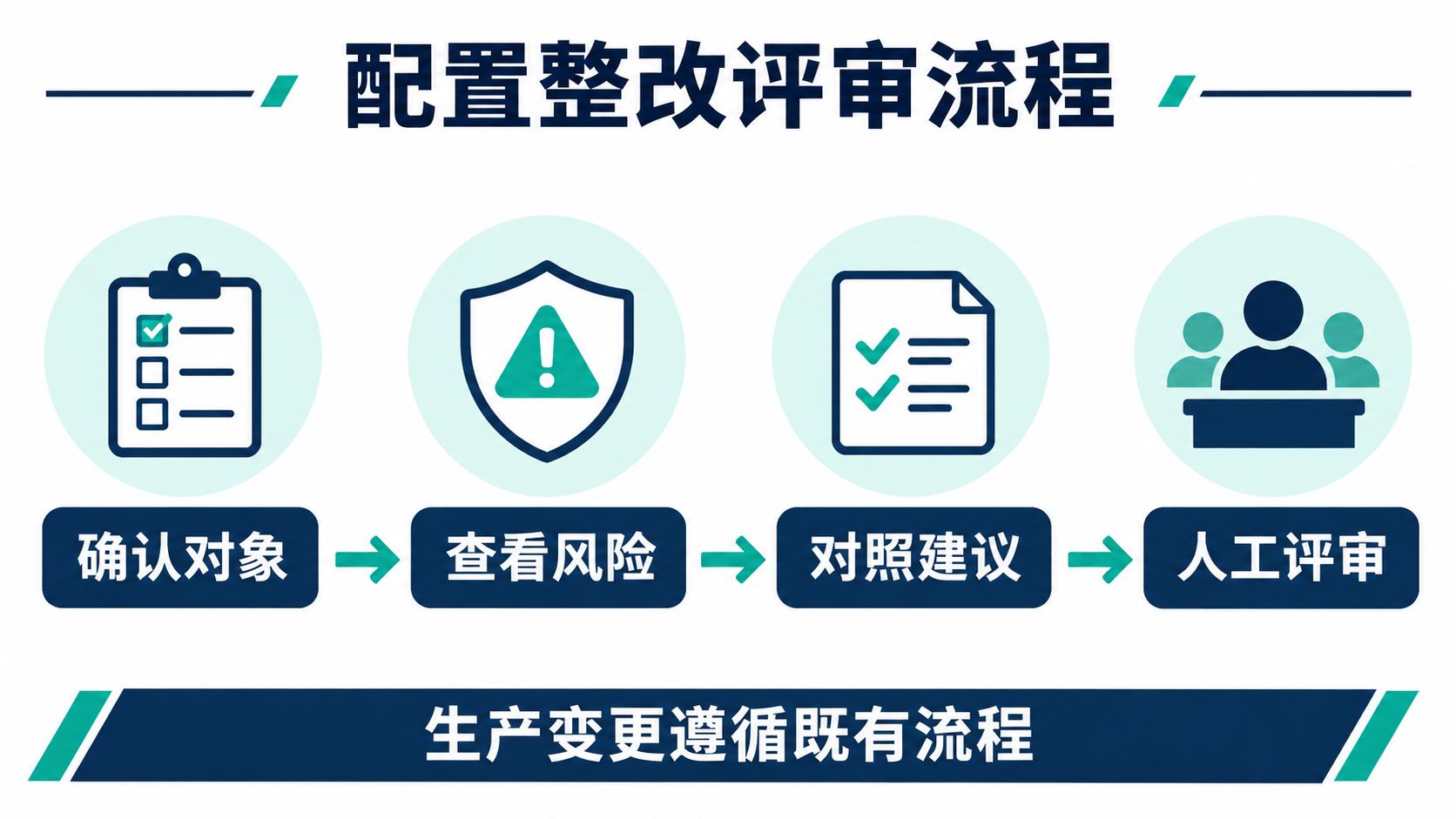
With the skill pack enabled, the agent can generate a structured report that groups findings by severity. When issues are found, users can choose what to review and generate a before-and-after comparison. This lets reviewers see each risk alongside the affected workload and proposed change.
The analysis does not modify the cluster. The comparison presents recommendations for people to review. Before applying a change in production, confirm the namespace, workload, and live configuration, then follow the existing approval or change management process.
What to Confirm During the Review
When Zhou runs the review, he can use this checklist to see whether the materials are ready:
| Check | What to confirm |
|---|---|
| Workload | Do the cluster, namespace, workload, and owner match? |
| Risk | Has the finding been verified in light of how the application is used, and is its priority clear? |
| Proposed changes | Are the fields to change clear, and does the comparison still match the live configuration? |
| Implementation | Who will make the change, when will it happen, and how will it be verified? |
If participants still cannot identify what would change or explain the evidence behind it, they need more information. The report starts the discussion. The team still needs to agree on whether the recommendation applies, how to implement it, and how to verify the result.
By bringing risk summaries, configuration comparisons, and human review together, Zhou can give the team enough information to make a remediation decision. Reviewers can spend more time assessing business impact and verifying changes, and less time gathering the same context again.